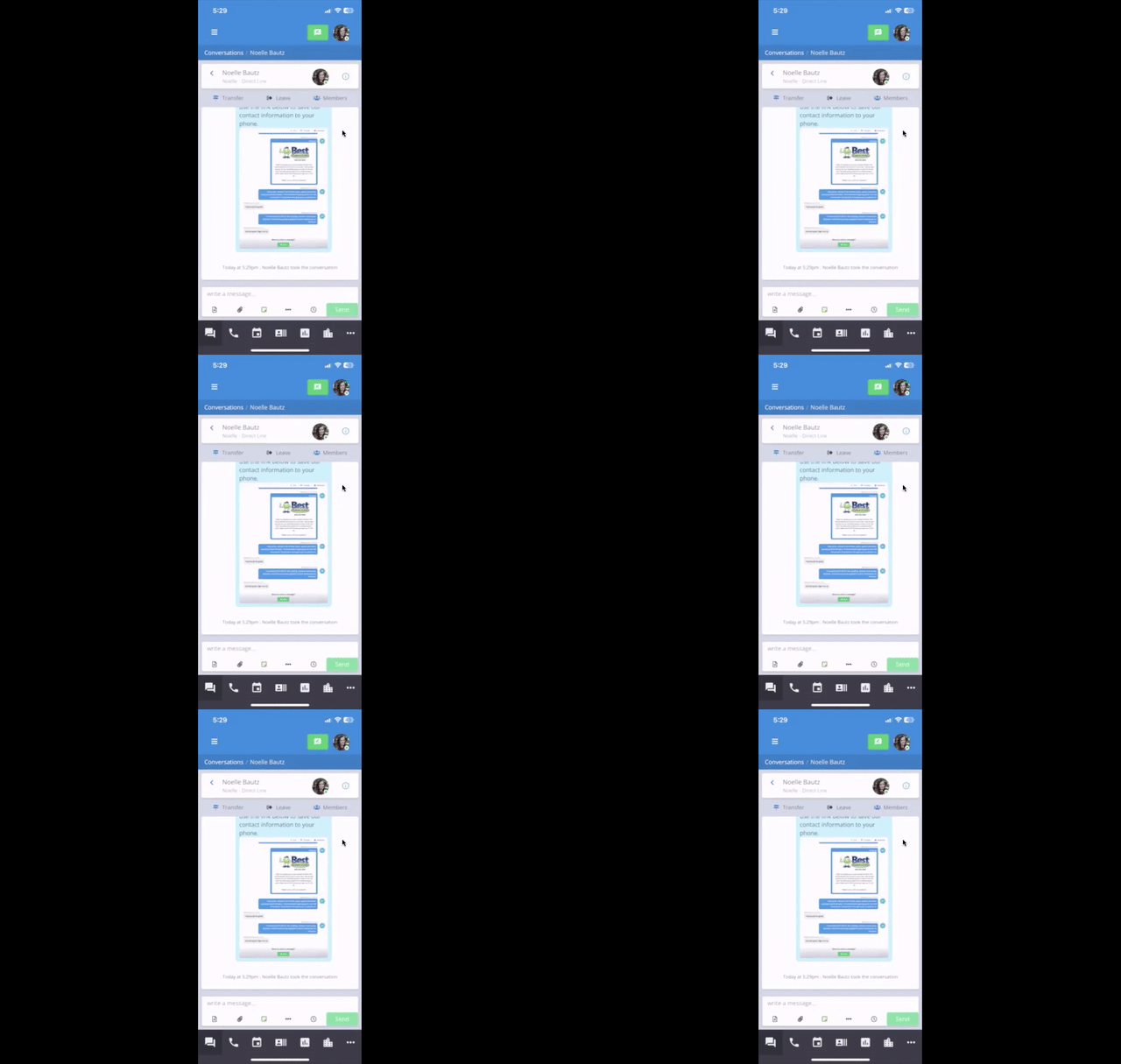
Sending Voice Memos & File Attachments on the mobile app
Record and send voice messages to customers directly from the Captivated mobile app.
Voice Memos allow Captivated mobile app users to record and send an audio message directly within a customer conversation.Voice Memos can be helpful when:
You need to explain something that’s difficult to communicate in a short text.
A longer written message would require multiple SMS segments.
You want to provide a more personal response using your voice.
A phone call isn’t necessary, but additional context would be helpful.
The customer receives the recording within their text conversation and can listen to it from their phone.
If you already have a recording saved on your phone, you don’t need to record a new Voice Memo within Captivated.From the attachment menu, select Attach Files and choose the audio file you’d like to send.Learn more about sending attachments.
If you don’t see the Voice Memo option or need help sending an attachment, contact Captivated Support using the in-app Support option or text (317) 316-3600.