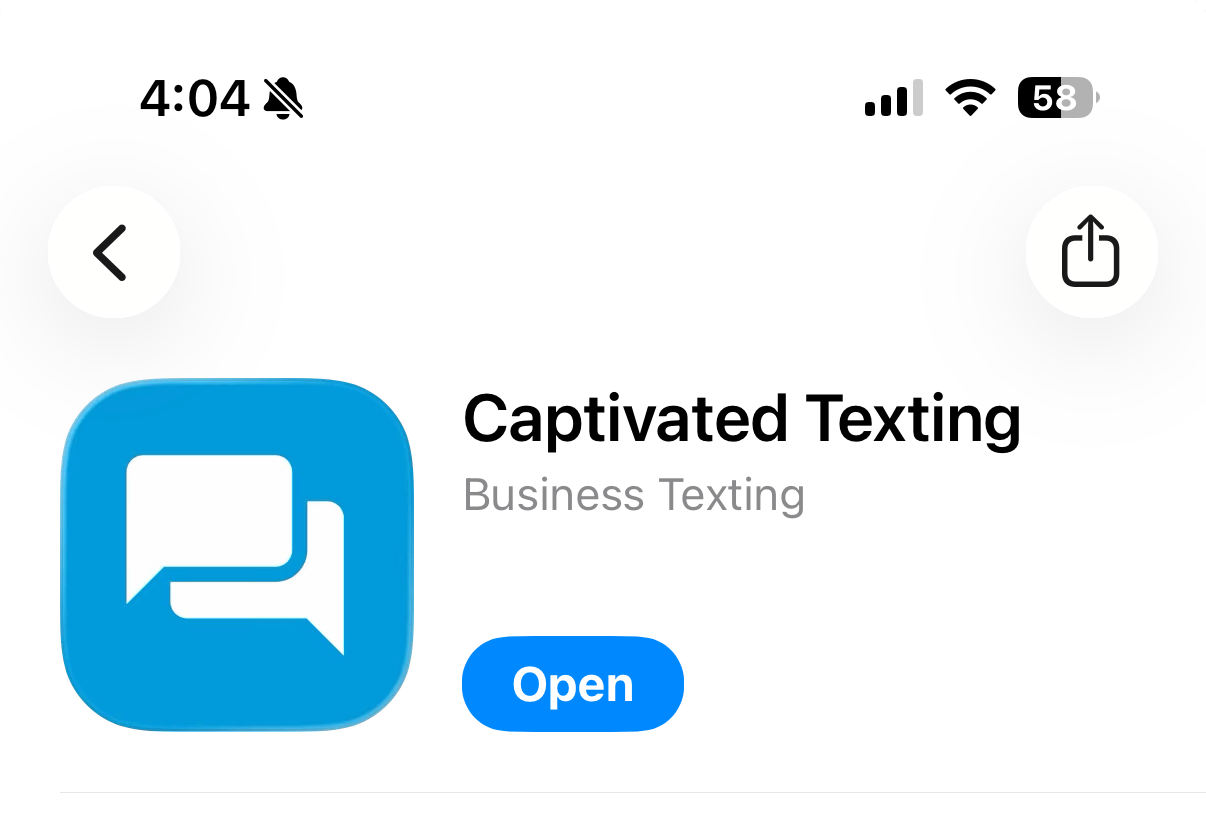
Stay connected to your customers wherever you are with the Captivated mobile app. Download the app from the Apple App Store or Google Play Store by searching for “Captivated Texting.” Look for the blue icon with the white chat boxes.
Screenshot 2026 08 06 At 4 04 20 PM
Once installed, sign in using the same email address and password you use for your Captivated account.
Push notifications help you respond to customers faster and ensure you never miss an important conversation while you’re away from your desk.
Captivated’s mobile app syncs to the cloud, so anything that happens on the web application (on your browser) also happens on the mobile application and vice versa.
On your phone’s home screen, move Captivated close to your regular texting app so that you have both your business and personal texting close at hand.
The mobile app will log you out after a period of about 2 weeks with no activity.