Start a Secure Chat
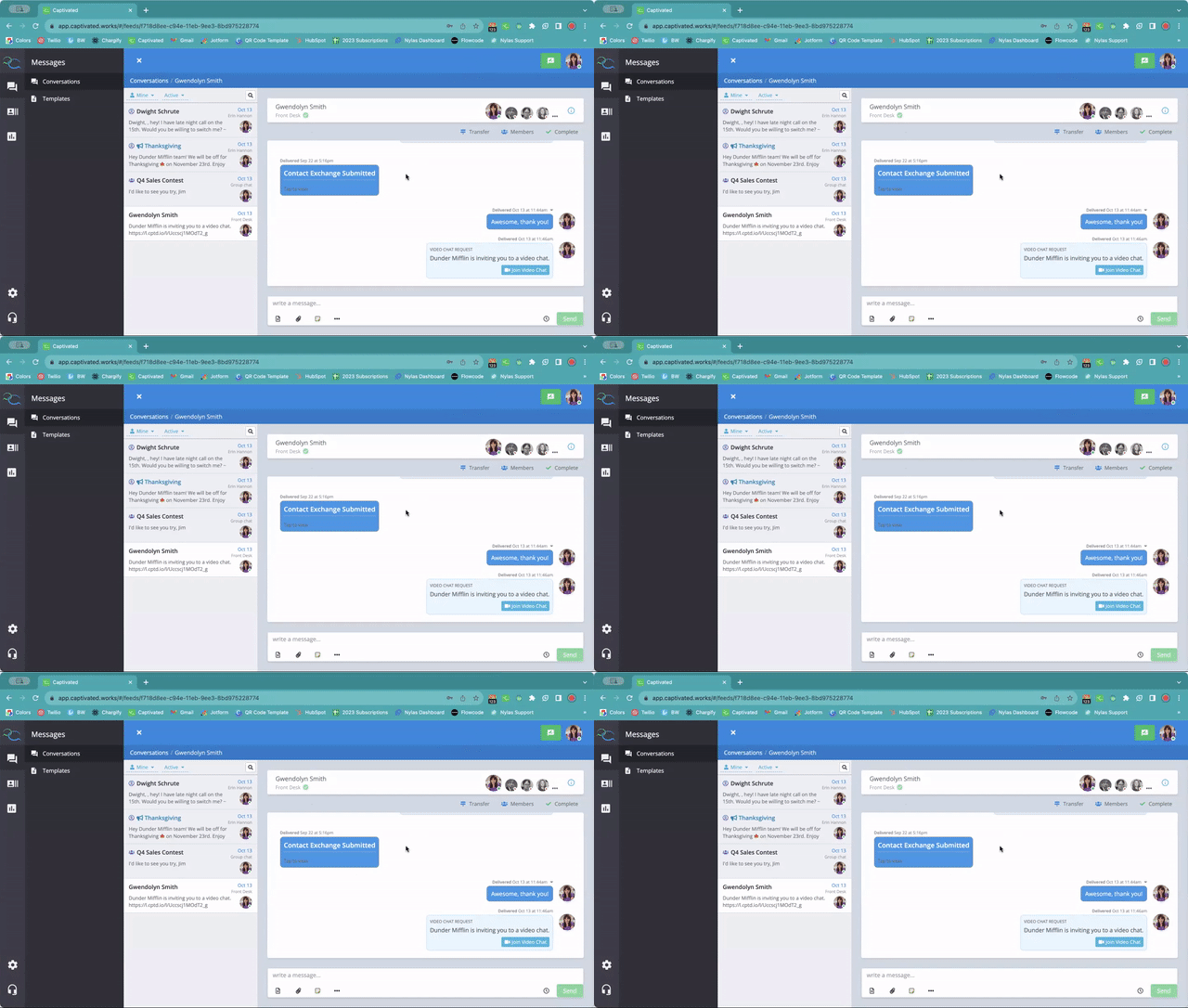
To begin a Secure Chat:- Open the conversation with the contact.
- Select the three-dot menu below the message field.
- Choose Invite to Chat.
- Send the invitation.
What the Recipient Sees
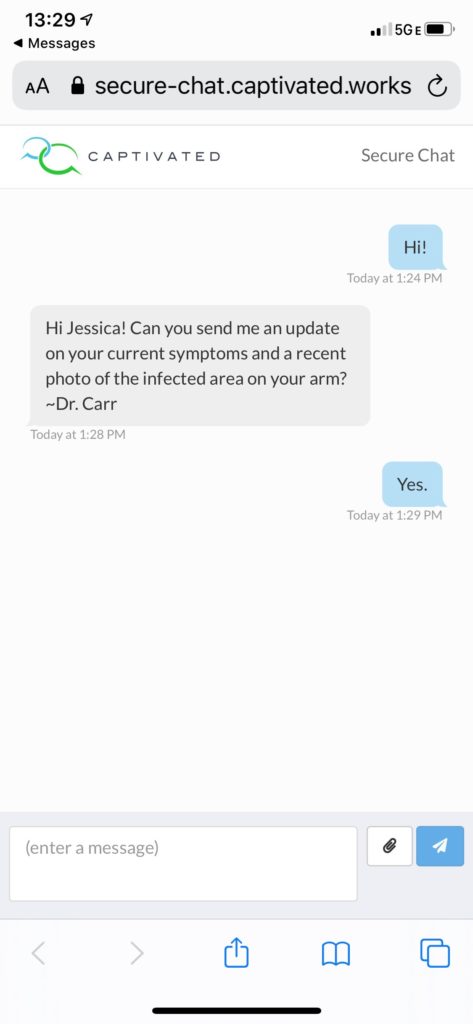
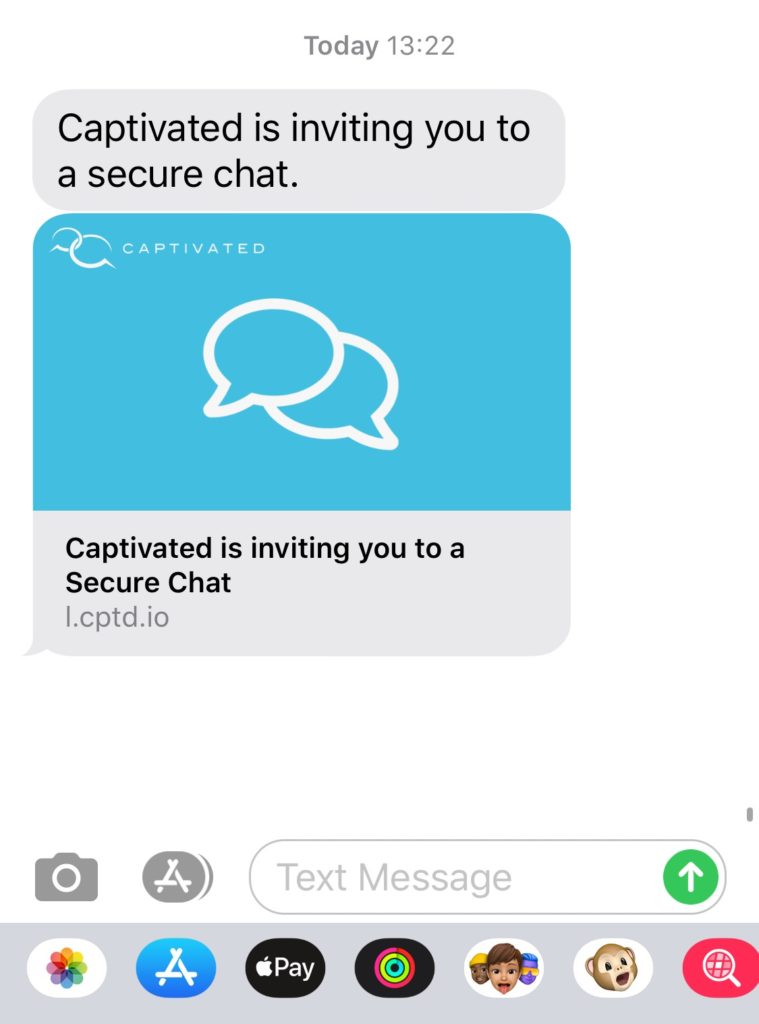
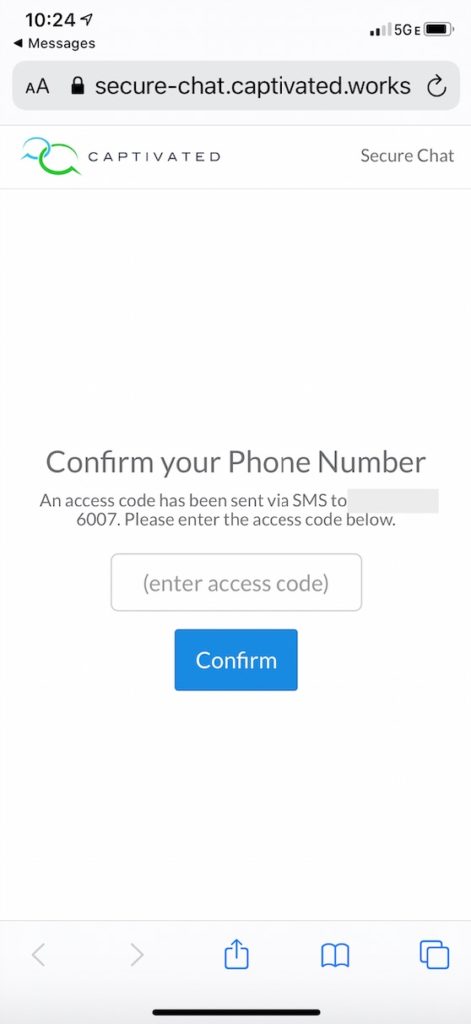
The contact receives a text message containing a secure link. After opening the link, they will be asked to enter a 6-digit verification code sent to their phone. Once verified, they can begin the Secure Chat directly from their mobile browser.No app download is required.
After the Secure Chat Is Completed
Once the Captivated User completes the Secure Chat, the conversation is no longer accessible to the recipient through the mobile browser. This helps limit continued access to the secure conversation after the interaction has ended.Deleting Secure Chat Messages
Within a Secure Chat channel, Captivated allows authorized Users to permanently delete:- Individual messages
- The entire Secure Chat thread
Permanently deleted Secure Chat content cannot be restored. Only delete messages or conversations when you are certain they are no longer needed.
When to Use Secure Chat
Secure Chat is useful when your team needs to exchange information that should not be sent through ordinary SMS. Examples may include:- Sensitive customer details
- Private documents or information
- Financial or account-related information
- Other confidential communication
Secure Chat provides additional protections compared with standard SMS. Your organization is still responsible for following any legal, regulatory, record-retention, or industry-specific requirements that apply to the information being exchanged.
Need Help?
If you don’t see the Secure Chat option or need help determining whether Secure Chat is appropriate for your workflow, contact Captivated Support using the in-app Support option or text 317.316.3600.Video Walkthrough