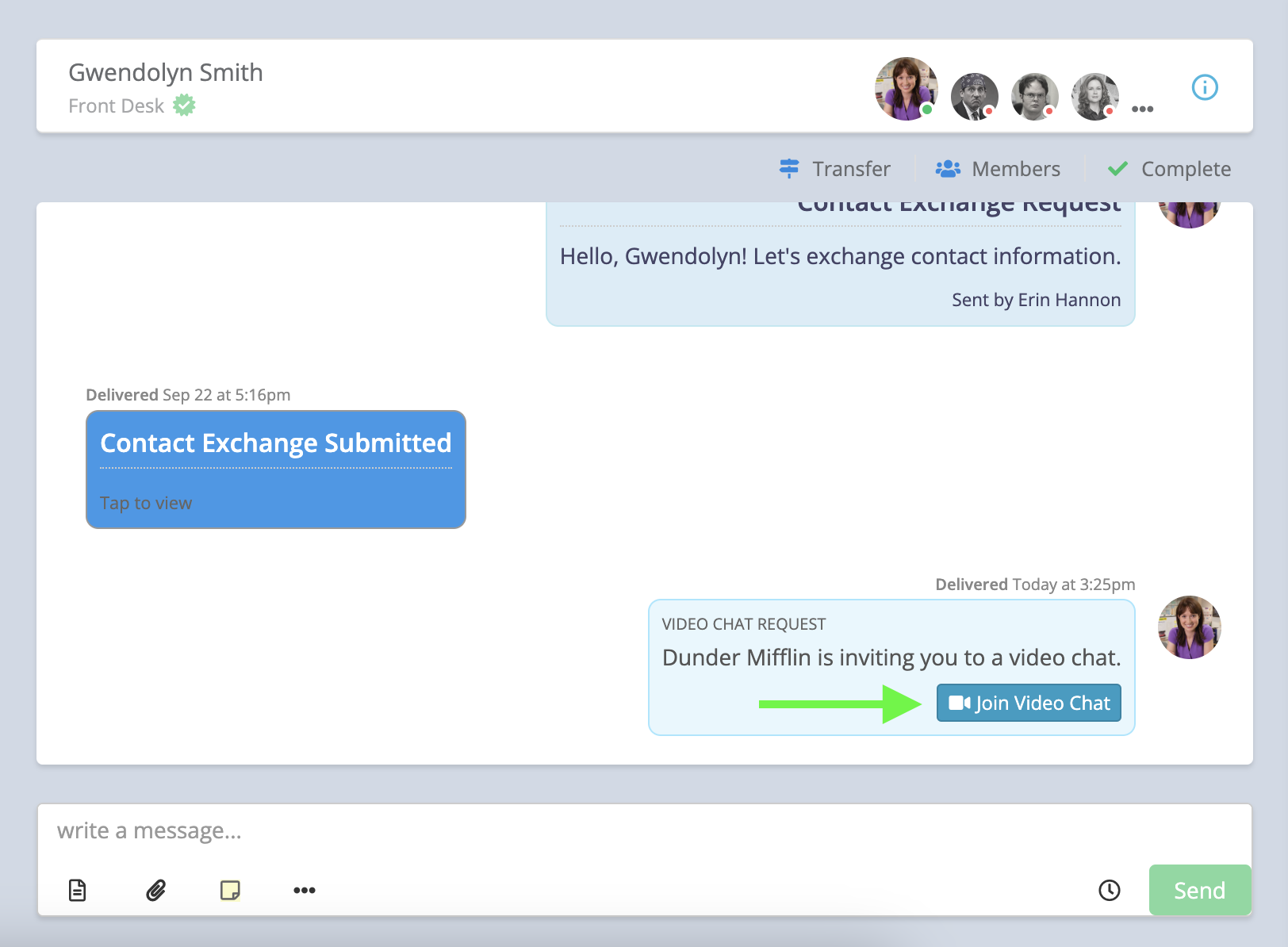
Video Chat Video Walkthrough
The recipient does not need to download any software or have a Captivated account to join.
Start a Video Chat
To initiate a Video Chat:- Open the conversation with the contact.
- Select the three-dot menu below the message field.
- Choose Invite to Video Chat.
- Review the message that populates and make any changes if needed.
- Select Send.
Joining a Video Chat
The recipient does not need to download an app or additional software. After selecting the link in the text message, they will:- Select Accept and Join.
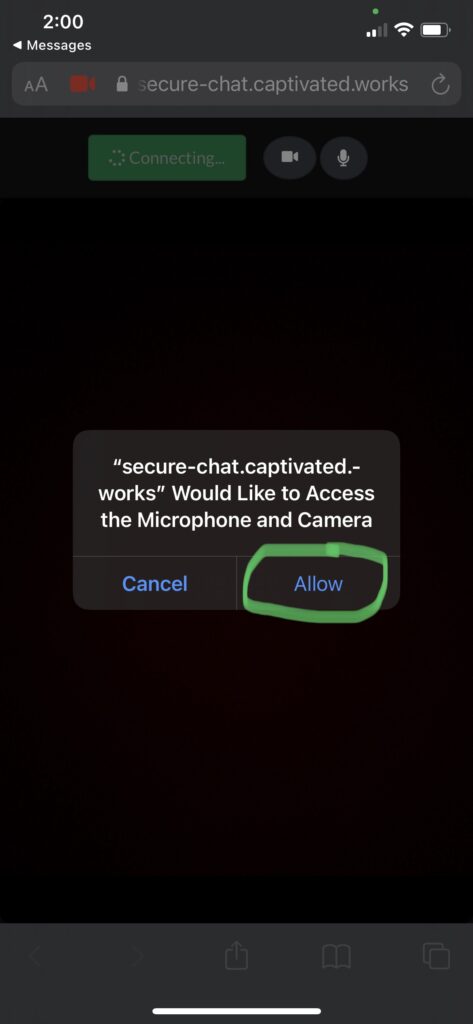
- Allow access to their camera.
- Allow access to their microphone.
- Join the Video Chat directly from their device.
Camera and microphone permissions must be enabled for Video Chat to work properly.
Ways to Use Video Chat
Video Chat can be helpful anytime showing something is easier than explaining it over a text message or phone call. Some examples include:- Share inventory: Give a prospective customer a virtual walk-around of an inventory item. When using your smartphone, you can flip the camera to show what you’re seeing.
- Virtual service: Walk through an issue with a customer remotely before determining the next steps.
- Virtual appointments: Meet face-to-face with a client, patient, student, or customer without requiring an in-person visit.
- Service or project walk-throughs: Show a customer the progress of a job or review completed work.
Troubleshooting Video Chat
If you or the recipient are having trouble with the camera or audio, first confirm that the browser or device has permission to access the camera and microphone. If you can see and hear yourself, but the recipient cannot see or hear you, have the recipient check their camera and microphone permissions on their device. If you cannot see or hear yourself, check your own browser or device permissions. You can also try:- Closing and reopening the Video Chat
- Switching to another supported browser, such as Chrome or Safari
- Reviewing the browser or device’s camera and microphone permissions
- As a last resort, reinstalling the browser app to reset its permissions
Need Help?
If you don’t see the option to start a Video Chat or continue to experience issues, contact Captivated Support using the Support option in the left-hand menu or text 317.316.3600.