

Enable Two-Factor Authentication
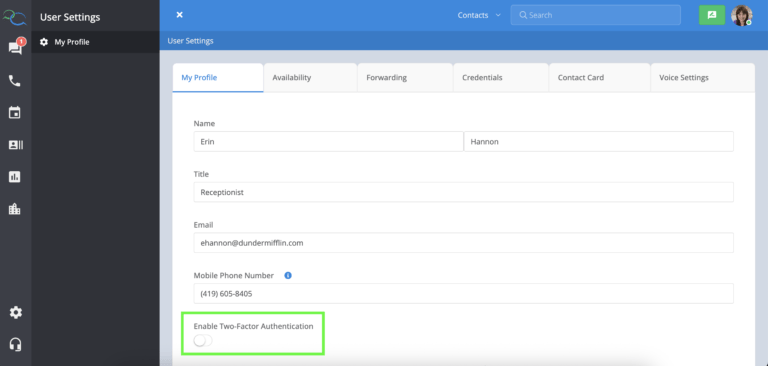
To turn on 2FA:- Select your profile avatar.
- Choose My Profile.
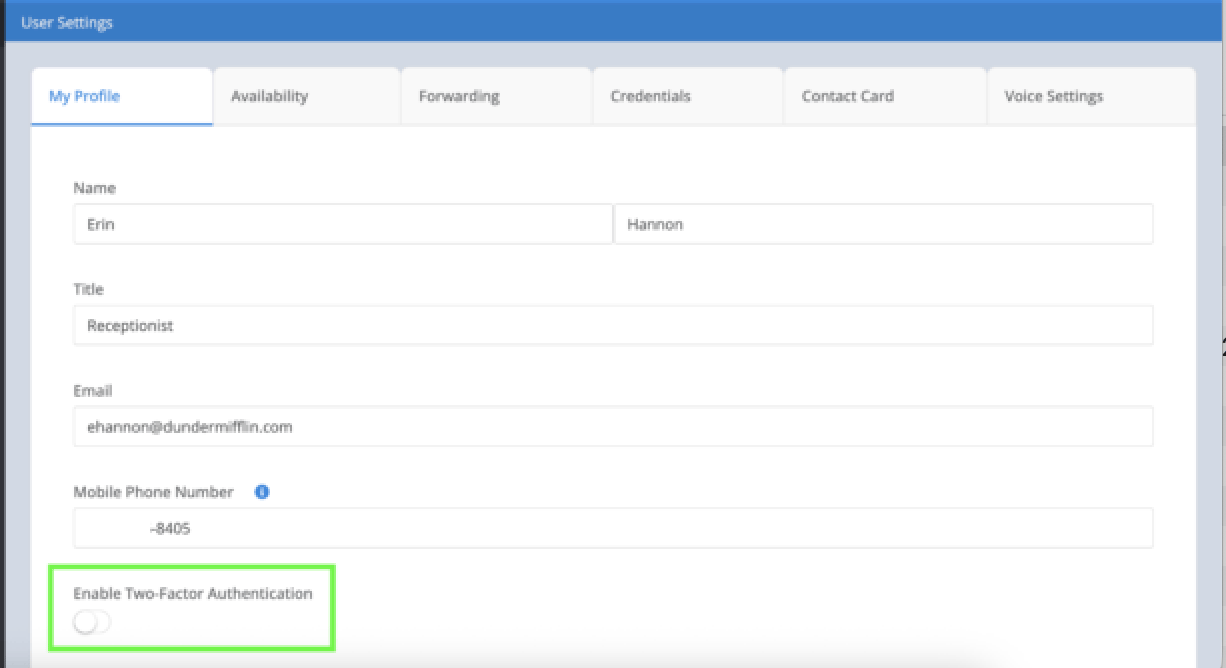
- Turn on the Enable Two-Factor Authentication toggle.
- Save your changes, if prompted.
Before You Enable 2FA
Before enabling Two-Factor Authentication, make sure your mobile phone number is saved in your profile. This number is used to send your verification code each time you sign in. If your mobile phone number isn’t available or can’t be edited, contact your Captivated Administrator.Best Practices
For the best account security:- Enable Two-Factor Authentication on your account.
- Keep your mobile phone number up to date.
Never share your verification code with anyone.