Video Walkthrough
Print or Download a Transcript
- Open the conversation you want to save.
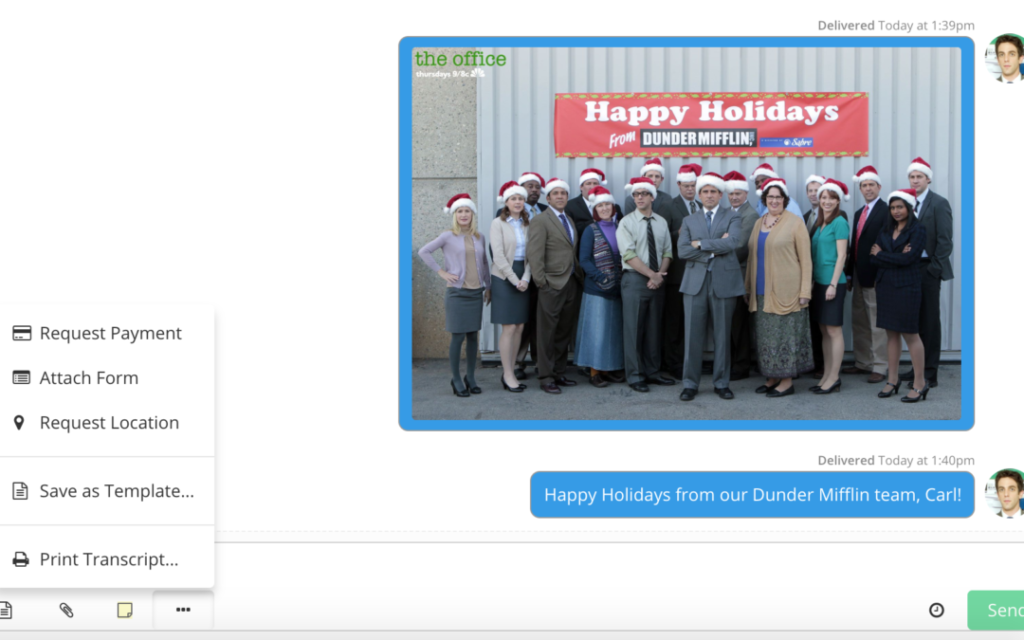
- Select the three-dot menu below the message field.
- Choose Print Transcript.
- Select whether you’d like to:
- Print the conversation, or
- Save/Download as PDF using your browser’s print options.
Need Help?
If you’re having trouble printing or saving a conversation transcript, contact Captivated Support using the Support option in the left-hand menu or text 317.316.3600.